** Issue Link **
#security
Problem Description
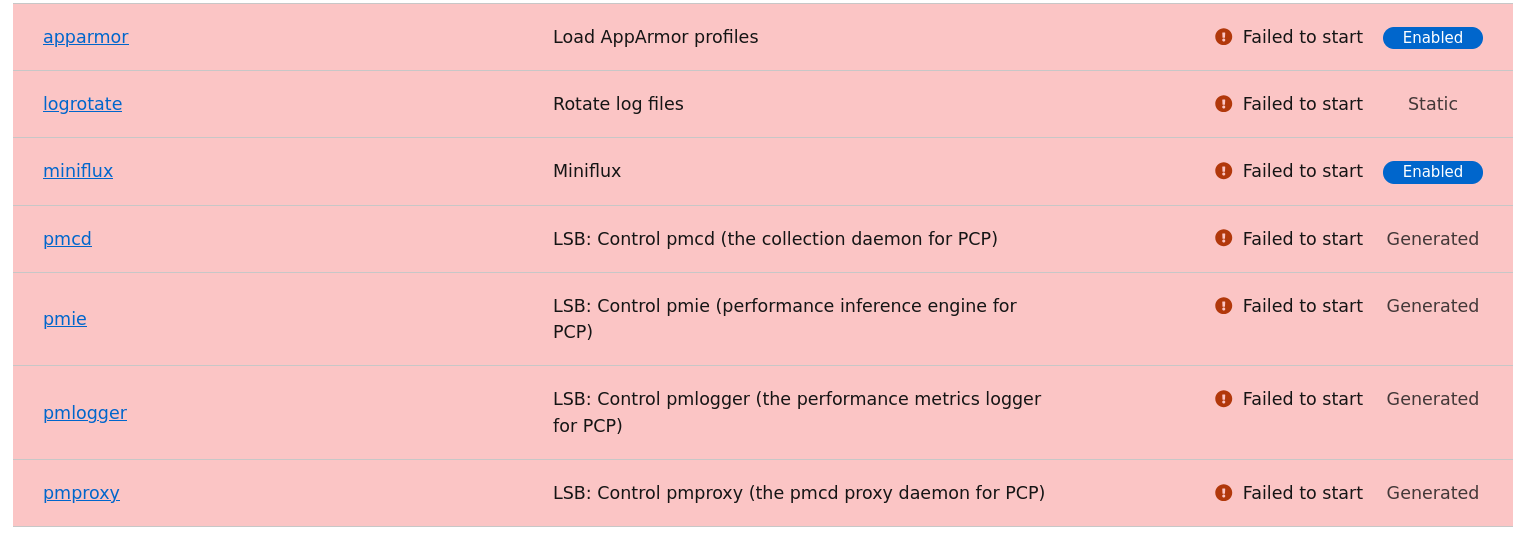
Apparmor service is stopped after Trixie upgrade. Service cannot be started from Cockpit. I have a couple reboots since completing the upgrade.
Apparmor description:
AppArmor is a kernel enhancement to confine programs to a limited set

of resources. AppArmor’s unique security model is to bind access

control attributes to programs rather than to users.
Steps to Reproduce
- Upgrade FreedomBox to Trixie
- Open cockpit and select the Administrative Access option
- Look in Cockpit for stopped services
- Apparmor is stopped
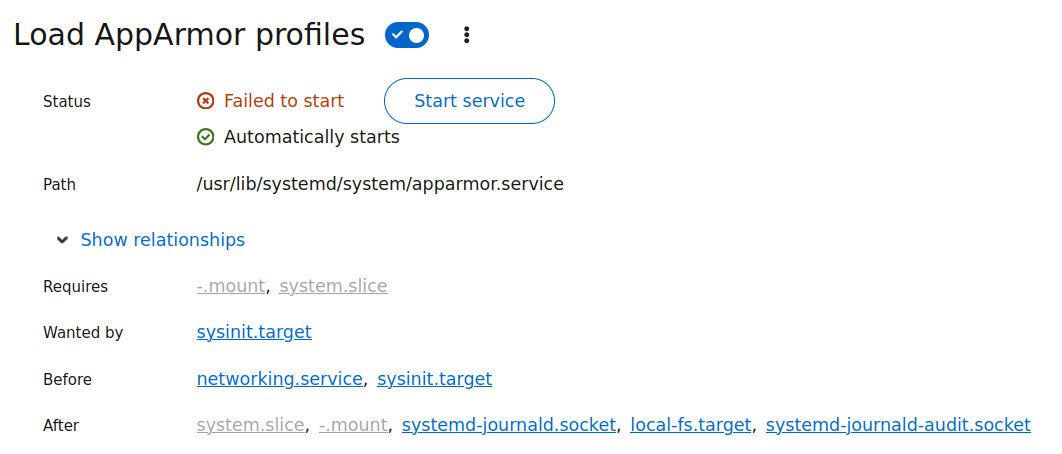
- Start the service manually and this fails.
Expected Results
Apparmor service is running.
Actual results
Log messages:
August 24, 2025
6:15 PM
Failed to start apparmor.service - Load AppArmor profiles.
systemd
6:15 PM
apparmor.service: Failed with result ‘exit-code’.
systemd
6:15 PM
apparmor.service: Main process exited, code=exited, status=1/FAILURE
systemd
6:15 PM
Error: At least one profile failed to load
apparmor.systemd
6:15 PM
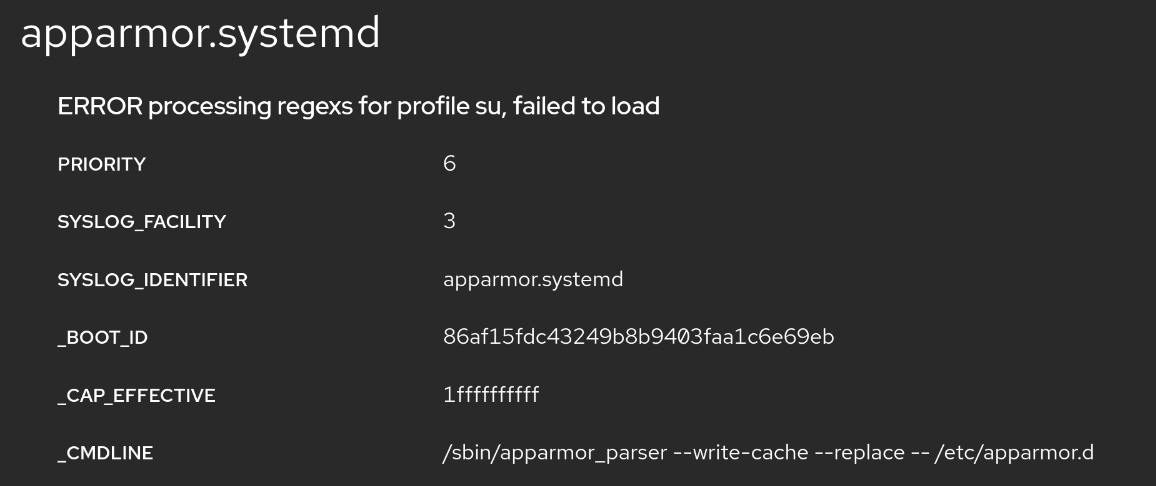
ERROR processing regexs for profile su, failed to load
apparmor.systemd
6:15 PM
profile has merged rule with conflicting x modifiers
apparmor.systemd
6:14 PM
Reloading AppArmor profiles
apparmor.systemd
6:14 PM
Restarting AppArmor
apparmor.systemd
6:14 PM
Starting apparmor.service - Load AppArmor profiles…
systemd
Screenshot
Failed service
Service relationships
Information
- FreedomBox version: You are running Debian GNU/Linux 13 (trixie) and FreedomBox version 25.9.3. FreedomBox is up to date.
- Hardware: Intel Atom 6.12.41+deb13-amd64 #1 SMP PREEMPT_DYNAMIC Debian 6.12.41-1 (2025-08-12) x86_64 GNU/Linux
- How did you install FreedomBox?: Installed over Jessie and upgraded.