My Pioneer is plugged into a router that I purchased (Netgear).
I purchased it in February 2025.
Version: DebianGNU/Linux 12 bookworm, Freedombox Version 23.18
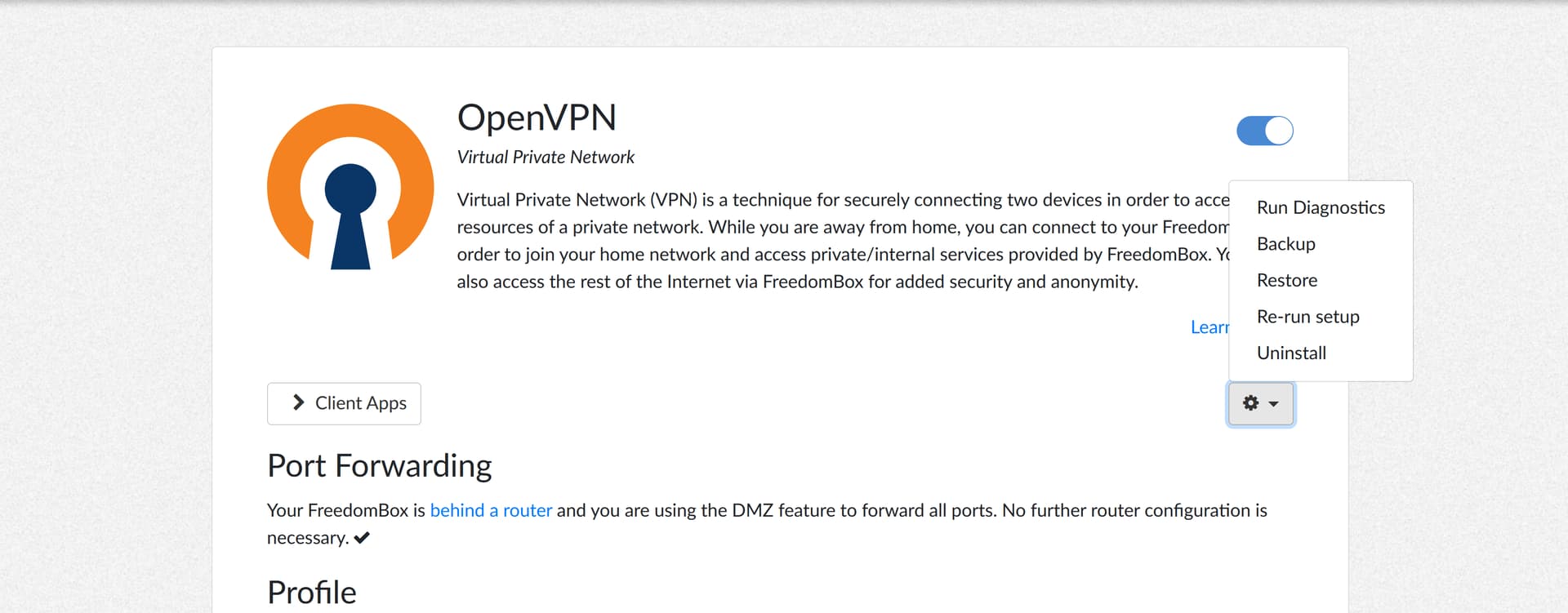
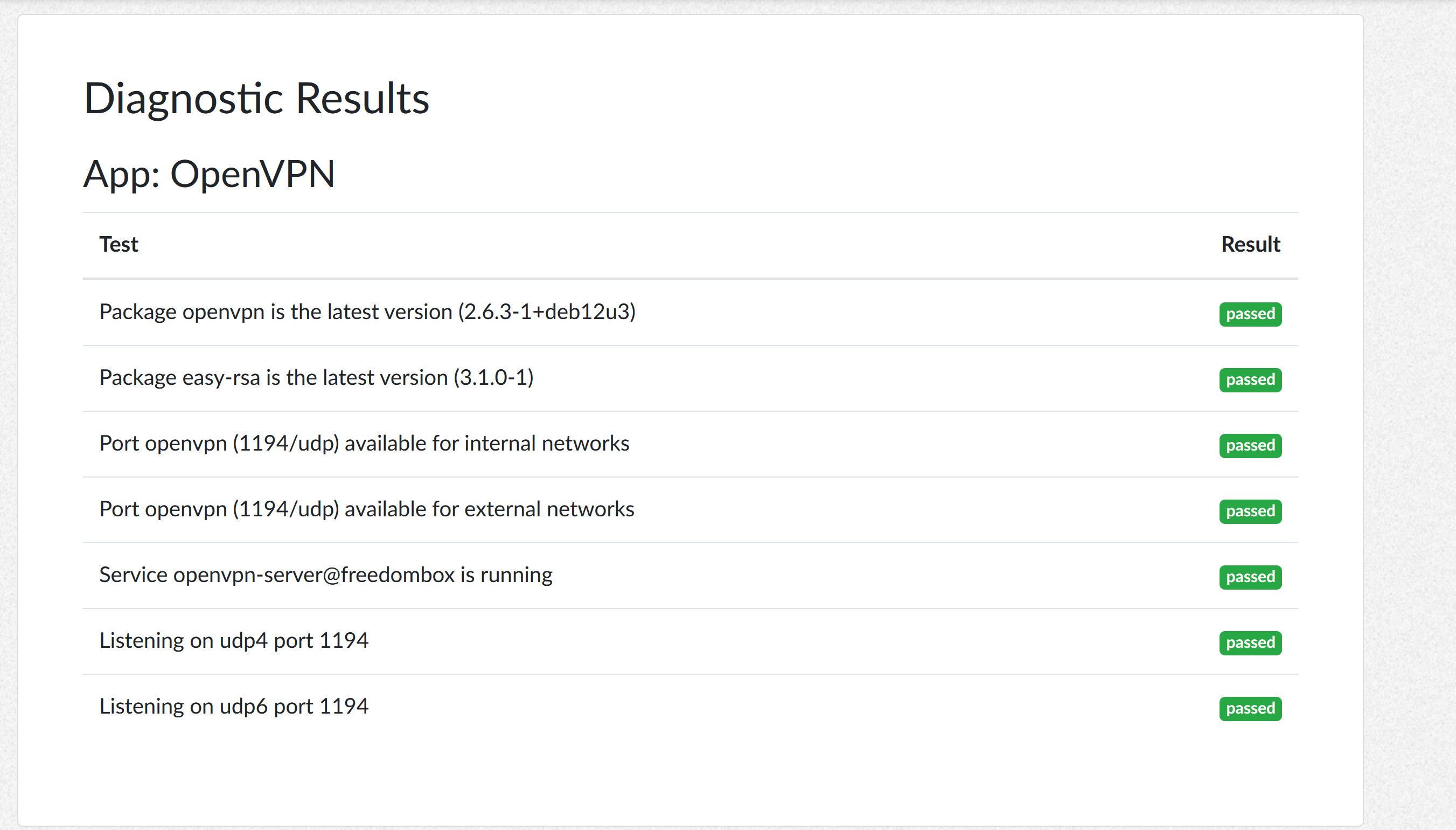
I’m using OpenVPN for Android on my phone and OpenGUI on a Windows laptop, I imported the profile directly from the freedombox web UI. They (both client apps) say connected, but do not work.
I’ve tried using ssh in my laptop’s terminal to fix some of the issues with this Pioneer device, but nothing works. Many of the solutions provided in the forum do not state whether the prompts are to be entered via the Cockpit app or whether they are doing it directly because they have freedombox installed on a computer.
They (both client apps) say connected, but do not work.
I’m understanding this as you see evidence of a successful handshake and non-zero tx/rx values. This sounds like you need to set allowed IP ranges for the VPN. This allows you to discriminate what should use VPN and what should use the clear connection.
0.0.0.0/0 would allow everything to go through VPN.
For wireguard we use 10.84.0.0/24 to get to freedom box VPN (may be different for openvpn config)
Your home network would be most likely 192.168.1.0/24
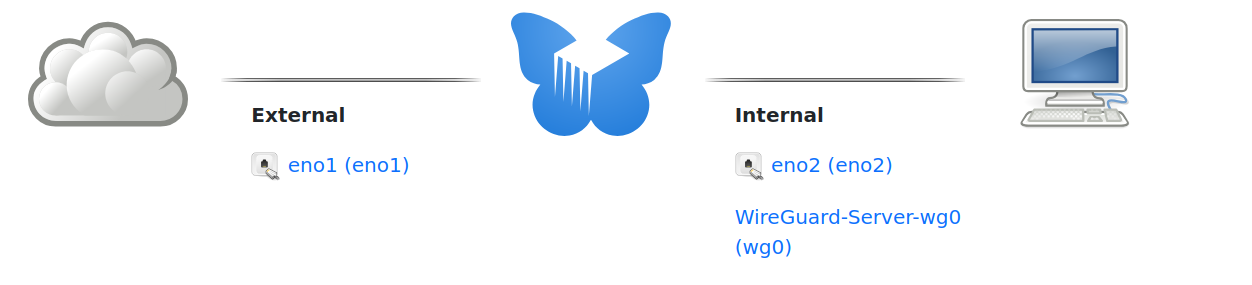
In the graphical interface, in System->Networks, when you click on “Freedombox WAN”, at the bottom of the page, below “Security” there is “Firewall zone”. Is it set to “internal” or “external”?
And for the “tun0” interface in System->Networks, is the “Firewall zone” set to “internal” or “external”?
I think tun0 should be internal zone. It accepts secure connections to freedom box and is intended to be part of your local network providing access to internal services to connected clients.
Here is what I see where Wireguard is analagous to your OpenVPN…
Currently, I have an openvpn server setup on my home router (running libreCMC), so I am not using my freedombox for that.
When I used it before, I also remember a lot of trial and error to get it working, and I had problems with cipher support misalignment between my freedombox and various devices, so that the connection could not even be established.
I just tried with my Freedombox and Android, and the connection fails for that reason. I will try again, but I need a bit of time.
I changed to WireGuard from OpenVPN and am using this now. A friend told me that WireGuard was more battery friendly for mobile devices and my impression is that this is true.
@Jaw WireGuard is an alternative to OpenVPN that is in FreedomBox you can try. My impression is that you are close to getting OpenVPN working. I did not find WireGuard to be easier to set up and use, but this is the one I’m sticking with now.
First time set up of VPN was an exercise in frustration for me, so don’t be discouraged. It will give you only the vaguest glimmers of success, and then start working almost all at once when you start to get it right. The milestones I recall were:
get the client handshake to happen
connect to FreedomBox over VPN by IP address
get the DNS right, but you still can’t connect much if anything over VPN
then be able to connect to FreedomBox and remote sites by DNS name
I’m concerned that the external firewall rule for the open VPN tunnel is part of this. Once connected to VPN when you get an IP address you should be on the inside not the outside.
Your situation is familiar to me. I don’t know if my thoughts help. But this is how I achieved it with the help of a professional to understand networking.
I started with IPsec (similar to OpenVPN) one and a half year ago. The connection was very slow, allthough I’ve had the connection between my Linux PC and the firewall/router. So I defenitely will not suggest to setup openvpn on your Pioneer. I have WireGuard (client) on my Pioneer FreedomBox which functions as my backupserver in a different location. And the speed is incredible with WG because it is not so resource demanding like IPsec and OpenVPN.
I did successfully install WireGurd between all of my family’s clients an my netgate/pfsense+ firewall (WG server), which has the WireGuard package available. So, my productive FreedomBoxes are behind the firewall and are easy reachable with WG. There are tons of videos and other manuals to install WG. Now my question: does your netgear router have the ability to have WG installed?
Could this be related to MTU size? I’ve seen this symptom ages ago (before tunneling was as common as it is today), and that turned out to be the culprit. Of course, every time a packet qets squeezed into another frame-with-another-header, it reduces the payload size, fragmenting packets.
I suppose this is all supposed to be automatically handled by networking\tunnelling setup?