I installed FreedomBox on a LENOVO ThinkCenter M710q:
4x Intel Core i3-7100T CPU @ 3.40GHz
8GB DDR4 2400 MHz RAM
M2 NVMe KINGSTON SNV3S 500G (system)
Samsung 870 EVO 1TB SSD (data)
Debian 13 Trixi FreedomBox
Freedombox: Status
You are using Debian GNU/Linux 13 (trixie) and FreedomBox version 26.2.
Your FreedomBox is up to date.
Everything is working very well.
First, I installed Nextcloud to synchronize calendars and directories for the family.
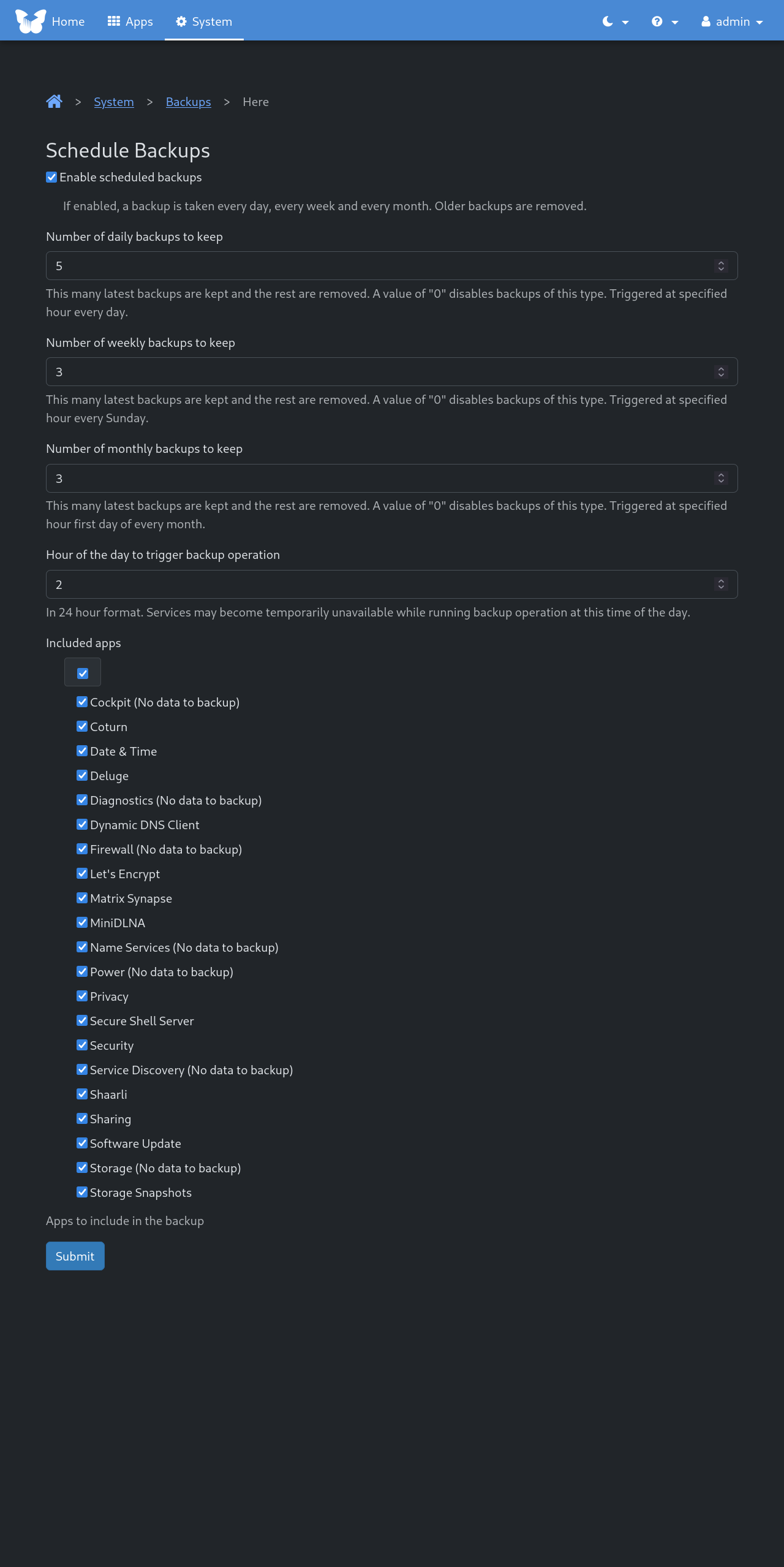
I wanted to make backups on the Samsung SSD, but I can’t select it. However, it is properly mounted on /mnt/FB-data. The only options available are on the system disk:
boot, tmp, home, vlog, srv, /sys/firmware/efi/efivars, or /var/lib/containers/storage/xxx
I haven’t figured out how to do it…
When I installed Debian Trixie on my ThinkCentre M715q. I formatted the M2 NVMe drive for: btrfs. Freedombox needs btrfs for snapshots software can be used. I installed Freedombox by using the “Blend” option of the Debian installer. The “blend” option is available where you pick your desktop, Gnome,Kde,…
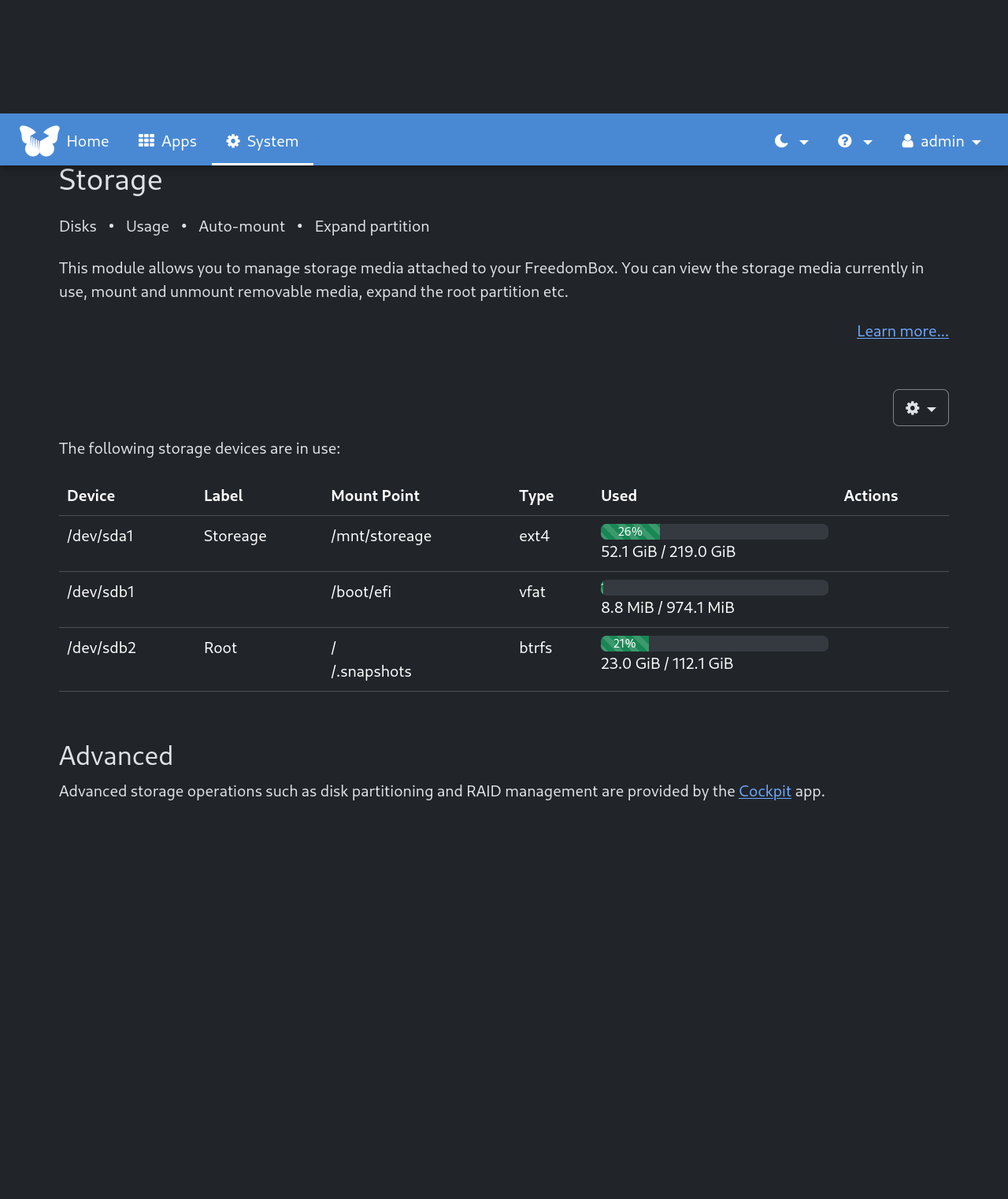
The SSD drive I formatted as ext4 and give the SSD drive a mount point of /mnt/storage and give it a Label name of “Storeage”. This is done with the Debian installer.
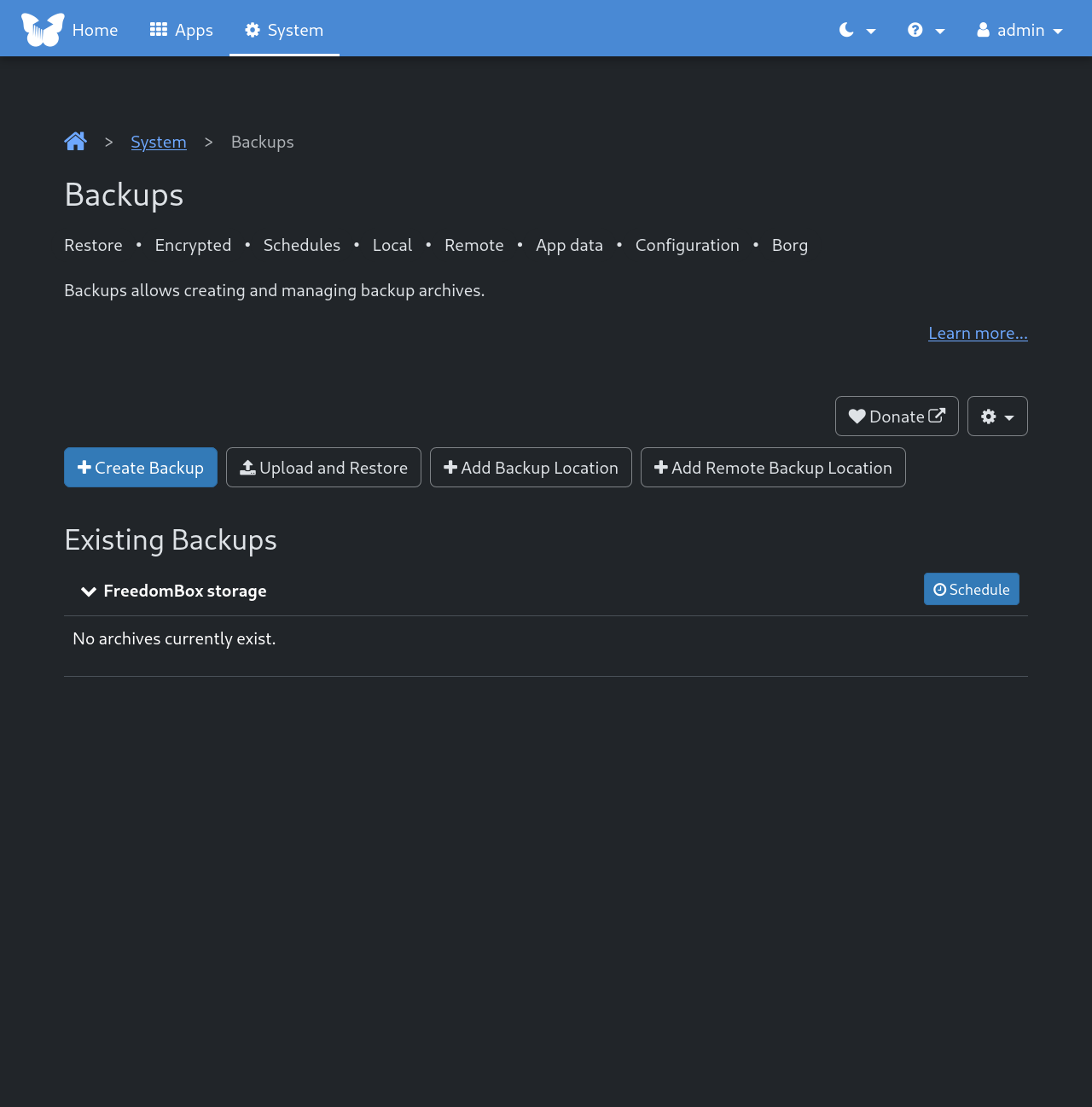
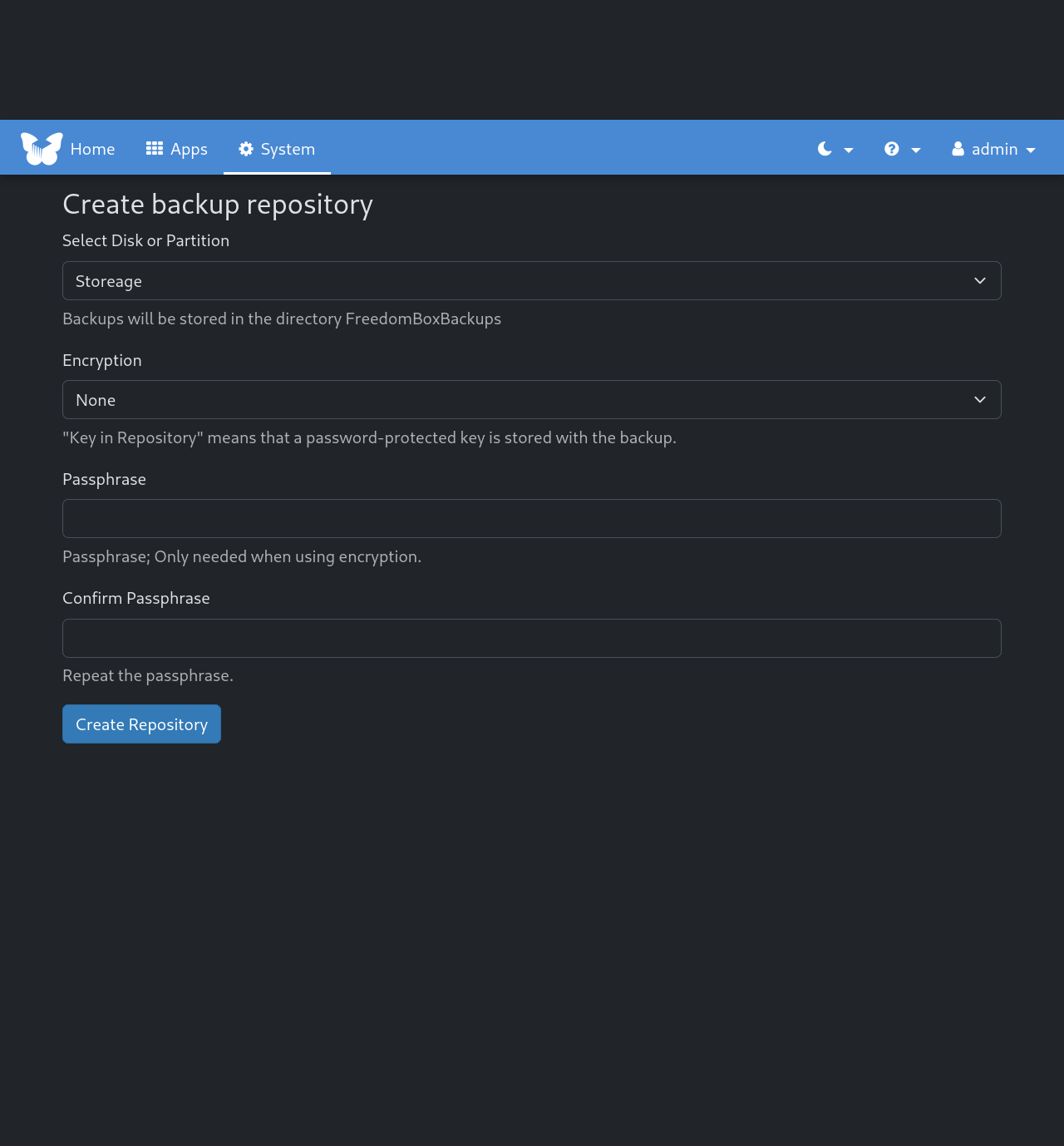
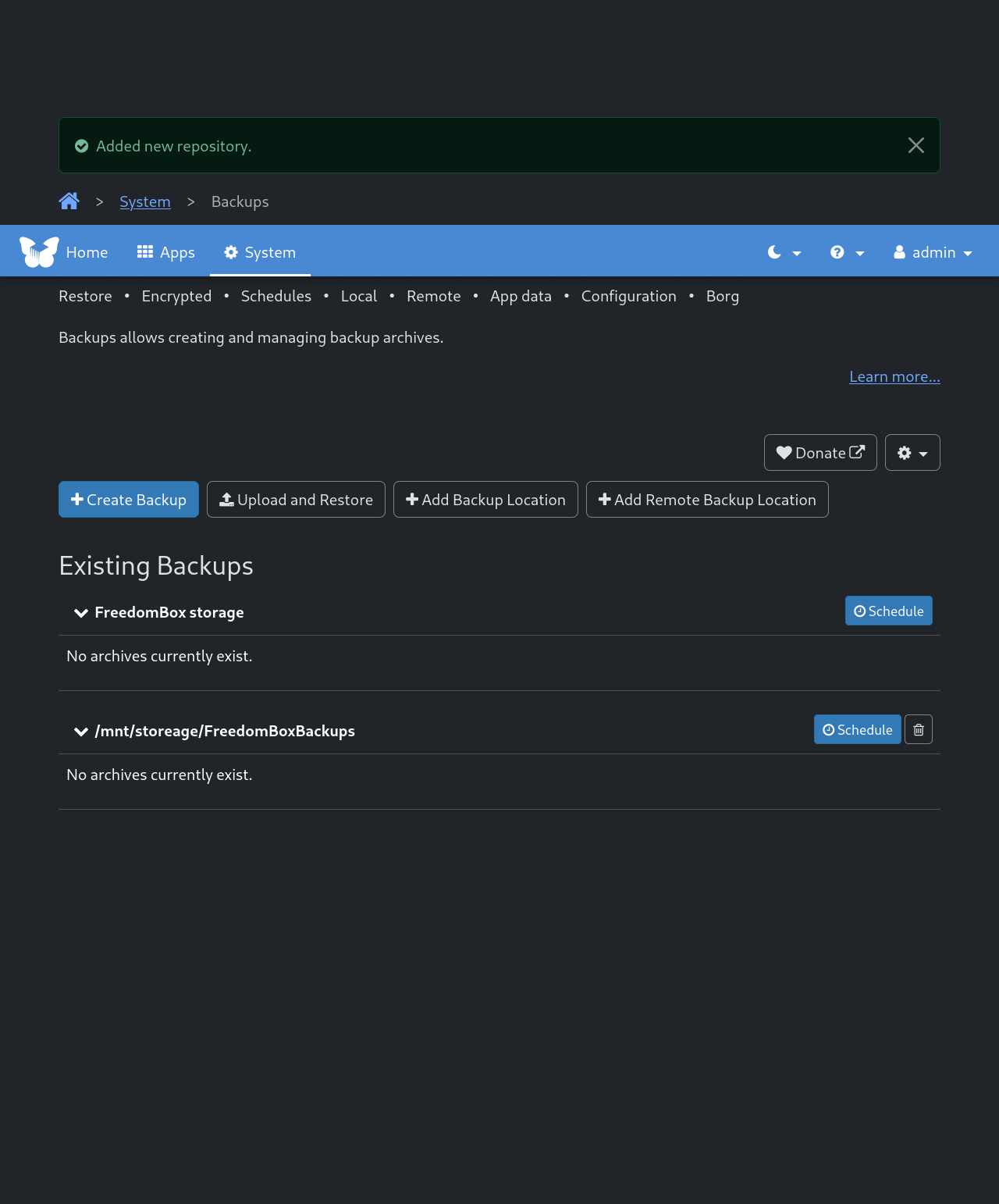
In the “Select Disk or Partition” section. The SSD drive Label name “Storage” can be picked. Then set “Encryption” to None. Then “Create Repository”. Which will create a directory called FreedomBoxBackups on the SSD drive.