# Minetest Server Setup Thread
**URL:** https://discuss.freedombox.org/t/minetest-server-setup-thread/2738
**Category:** Uncategorized
**Created:** [September 16, 2023, 11:04pm UTC](https://discuss.freedombox.org/t/minetest-server-setup-thread/2738 "2023-09-16T23:04:00Z")
**Posts on this page:** 7
**Page:** 1
### Author:  [@joseph](https://discuss.freedombox.org/u/joseph)
#### Post date: [September 16, 2023, 11:04pm UTC](https://discuss.freedombox.org/t/minetest-server-setup-thread/2738/1 "2023-09-16T23:04:00Z")
# Welcome to the minetest server setup thread.
The purpose of these posts are to help you set up and operate a minetest server on your freedombox.
# Scope
We will:
- install minetest from the freedombox app page
- download the minetest client software and you’ll install this
- connect to the minetest server on your freedombox
- register a user (minetest player) account
- configure the player user to be a server admin user
- enble some mods from the default distribution
# Out of Scope
Minetest installation - use the minetest app page in freedombox to install minetest. If you have trouble with this then make a post in support and you’ll get help there. Follow any instructions for installing the minetest client on your platform, and seek help from the documentation or minetest forums if you have trouble installing the client.
# References
- [minetest home page](https://minetest.net/)
- [minetest wiki](https://wiki.minetest.net/)
- [setting up a server from minetest wiki](https://wiki.minetest.net/Setting_up_a_server)
---
### Author:  [@joseph](https://discuss.freedombox.org/u/joseph)
#### Post date: [September 16, 2023, 11:22pm UTC](https://discuss.freedombox.org/t/minetest-server-setup-thread/2738/2 "2023-09-16T23:22:37Z")
# First connection to your minetest server
We’ll connect to the minetest server on your freedombox.
## Software installation
You will need to have minetest client software which may be downloaded from [minetest.net](https://www.minetest.net/downloads/), or obtained through your preferred software repository.
## Debian client installation
You will have the minetest client on your freedombox when you install the minetest application through plinth. On a debian client you’d install the minetest client using apt.
`sudo apt install minetest`
## Server connection
On your first connection you will register an account on your minetest server. Your username and password are for this application - you may use a different username and password than your freedombox account. Your minetest password will be encrypted when it is stored.
1. open your minetest client software
2. specify the ip address or hostname of your freedombox
3. specify port 30000 if this is not filled out for you
4. enter your desired username for the game
5. press the **Register** button
6. complete the registration by adding a password
7. Once you complete registration with your password you will enter the game.
---
### Author:  [@joseph](https://discuss.freedombox.org/u/joseph)
#### Post date: [September 16, 2023, 11:38pm UTC](https://discuss.freedombox.org/t/minetest-server-setup-thread/2738/3 "2023-09-16T23:38:19Z")
# Make yourself the minetest server admin
Once you have connected to your minetest server you’ll be a normal player. The application needs admin users, and we’ll make you one for your minetest server. We will edit the configuration file and restart the server to make you an admin user.
## Stop your minetest server
Navigate to the minetest app page in freedombox and stop the service.
## Edit the minetest configuration file
Minetest server configuration is in /etc/minetest/minetest.conf. You will need to complete this operation as root.
### using sudo
`sudo nano /etc/minetest/minetest.conf`
### using su
`$su -
password:
#nano /etc/minetest/minetest.conf
`
`
Search for these lines in the configuration file, and we’re going to use the “name =” key to make your count server admin.
#
# Client and Server
#
# Name of the player.
# When running a server, clients connecting with this name are admins.
# When starting from the main menu, this is overridden.
# type: string
# name =
Remove the leading # in front of name, and set your minetest username (not your freedombox username… unless they are the same) after the = …
# Name of the player.
# When running a server, clients connecting with this name are admins.
# When starting from the main menu, this is overridden.
# type: string
name = joseph
Save your file.
Start the minetest service
Start the minetest service again from plinth. Connect to minetest from your minetest client and type in this command from the game:
/privs and hit enter.
You will see that you have privs: interact, shout, password, server, ban, privs, kick, basic_privs. Congratulations! You are server admin.
`
---
### Author:  [@joseph](https://discuss.freedombox.org/u/joseph)
#### Post date: [September 17, 2023, 12:50pm UTC](https://discuss.freedombox.org/t/minetest-server-setup-thread/2738/4 "2023-09-17T12:50:53Z")
# Where are the animals?
Minetest content is configurable and the game defaults do not have all of the features you expect in other well known mining/crafting games. Just as the server has a configuration file, the game instance also has a config file. In your shell you’ll need to look in:
`/var/games/minetest/.minetest/worlds/world/world.mt`
You can edit this file as root using `sudo nano world.mt`. Enabling animals takes two changes to this file. `world.mt` looks like this:
`
enable_damage = true
creative_mode = false
mod_storage_backend = sqlite3
auth_backend = sqlite3
player_backend = sqlite3
backend = sqlite3
gameid = minetest
world_name = world
load_mod_worldedit_commands = false
load_mod_throwing = false
load_mod_quartz = false
load_mod_pipeworks = false
load_mod_moreores = false
load_mod_protector = false
load_mod_moreblocks = false
load_mod_unifieddyes = false
load_mod_mobs_turtles = false
load_mod_mobs_jellyfish = false
…`
The default animals (such as sheep) are in:
`
load_mod_mobs = false
load_mod_mobs_animal = false
`
Set both of these to ‘true’ by editing the file using nano or your favorite text editor and make this change…
`
load_mod_mobs = true
load_mod_mobs_animal = true
`
… and saving the file.
Now stop the minetest service and then start it again from plinth.
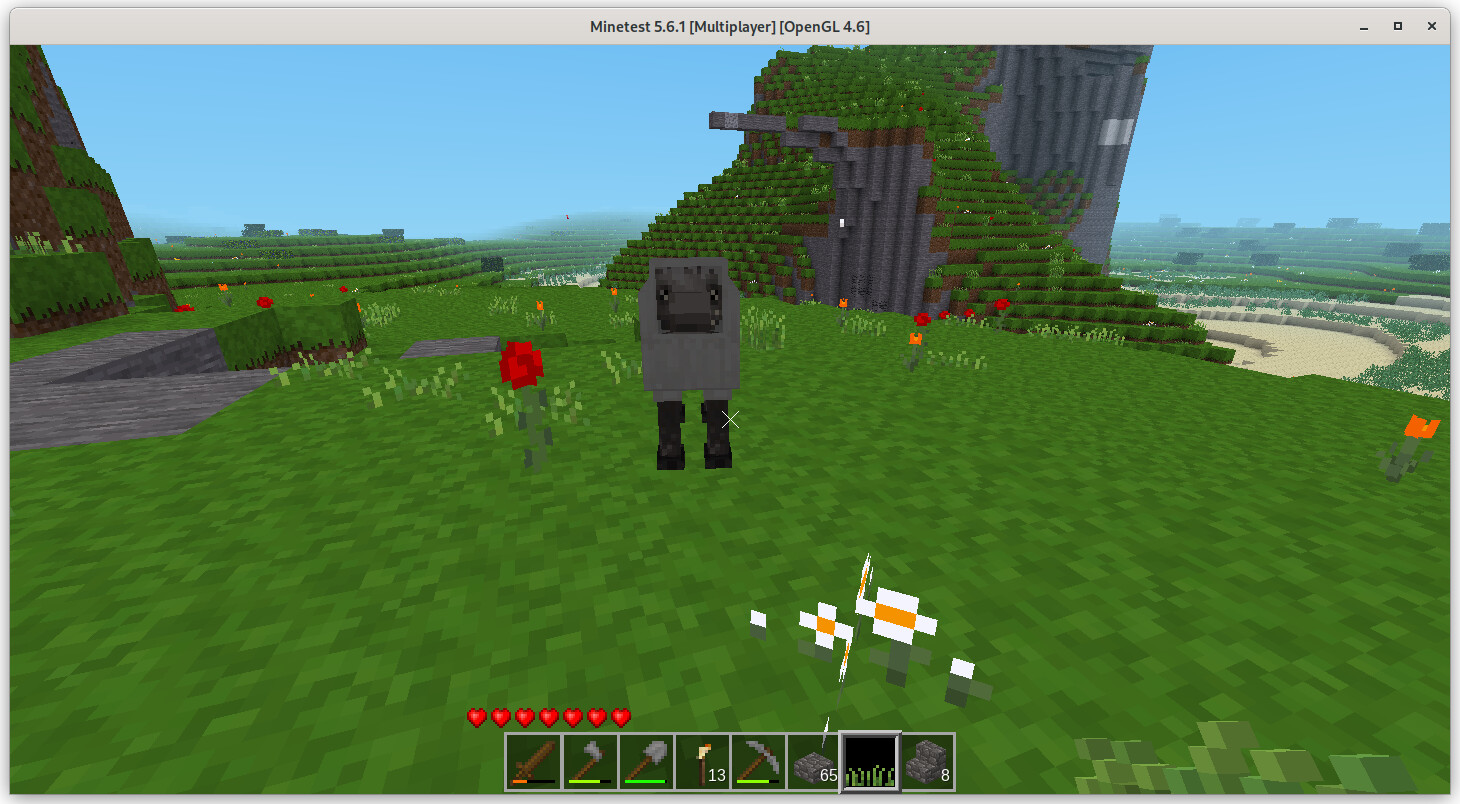
Connect to minetest with your client software and begin to wander. You will see an animal soon!
# Turn on charcoal, too!
If you have not played minetest or other similar games before, **charcoal** is important. That’s also in the default world.mt file:
`load_mod_charcoal = false`
Change that to…
`load_mod_charcoal = true`
… save the file and restart the service.
With animals and charcoal turned on you now have a well-playable minetest environment!
---
### Author:  [@joseph](https://discuss.freedombox.org/u/joseph)
#### Post date: [September 17, 2023, 2:13pm UTC](https://discuss.freedombox.org/t/minetest-server-setup-thread/2738/5 "2023-09-17T14:13:24Z")
# Play with fire
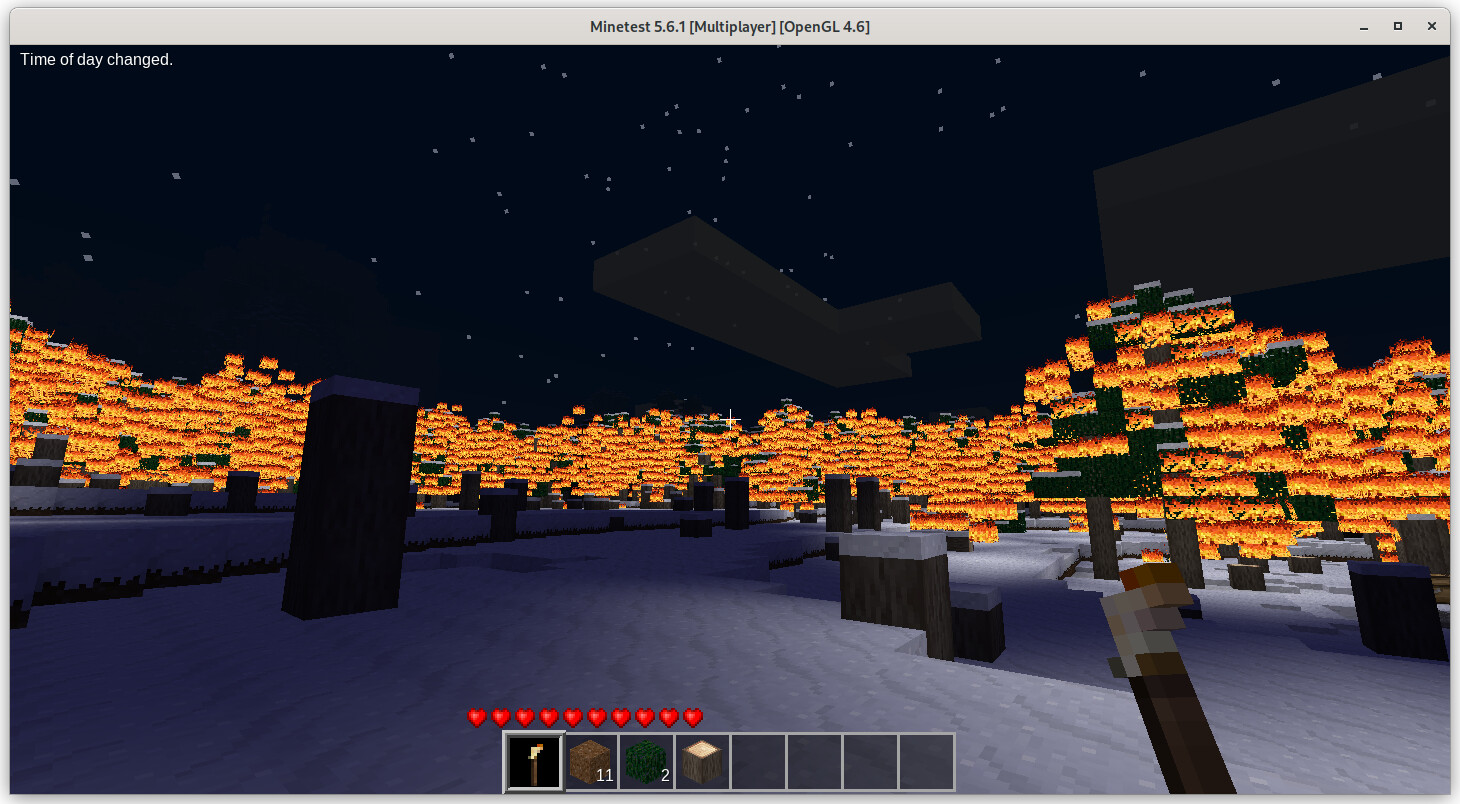
Minetest pyrotechnics are a part of the game mainly disabled by default. Fire behavior and tnt are of note here. Fire and tnt can be used for good or evil, of course. Tnt is much faster than a pick-axe for mining, but you can cause uncontrolled fires. Injuring yourself with explosion damage and accidentally burning down your house is part of the fun.
oops.jpg
## Fires that spread
Burning combustible objects will not spread fire to nearby combustible objects by default. You can change this in /etc/minetest/minetest.conf:
`disable_fire = false`
This will cause fire to spread.
## TNT
If you want players to engage in bulk mining this is a requirement. Again in /etc/minetest/minetest.conf:
`enable_tnt = true`
---
### Author:  [@marty\_mcfly](https://discuss.freedombox.org/u/marty_mcfly)
#### Post date: [May 16, 2025, 5:35pm UTC](https://discuss.freedombox.org/t/minetest-server-setup-thread/2738/6 "2025-05-16T17:35:09Z")
Thanks for this info! It helped me alot!
I was stuck on using ‘Start Game’ instead of ‘Join Game’. That’s what made it work on my freedombox as the Remote server. Then my son was able to join and we’re off to the races!
---
### Author:  [@joseph](https://discuss.freedombox.org/u/joseph)
#### Post date: [May 17, 2025, 1:46pm UTC](https://discuss.freedombox.org/t/minetest-server-setup-thread/2738/7 "2025-05-17T13:46:50Z")
> Then my son was able to join and we’re off to the races!
Outstanding. I’m pleased to read this!